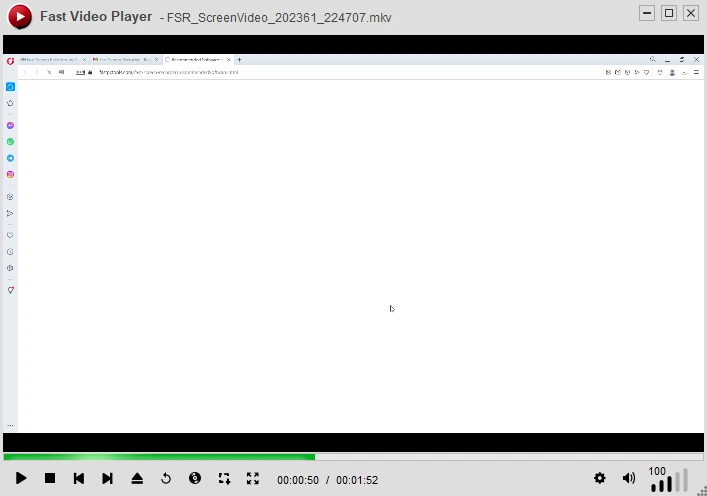
? Fast Video Player | Free Media Player for Windows PC | FastPCTools
Fast Video Player Media Player

Fast Video Player - Simple & Easy Video Player

The lightest, fastest media player for Windows. Play MP4, MKV, AVI, MOV, WMV, FLV, and audio files without any extra codec packs. Zero lag, clean interface, full HD and 4K support.

✅ Windows 11, 10, 8.1, 8 & 7 ✅ Free Download ✅ Digitally Signed
Fast Video Player
Fast Video Player for
Windows 11, 10, 8.1, 8 & 7 - Free
Fast Video Maker Screen

Everything You Need — Built In

📁

All Major Formats

Play MP4, MKV, AVI, MOV, WMV, FLV, MP3, WAV, AAC and dozens more — no codec packs needed.

Zero Lag Playback

Optimized engine ensures buttery-smooth playback even on low-spec Windows machines.

🖥️

Full-Screen Mode

Immersive full-screen mode with on-screen controls and keyboard shortcuts.

🔊

Audio Boost

Amplify quiet audio tracks beyond normal volume limits for better sound.

📋

Playlist Support

Create, save, and manage playlists to queue multiple files automatically.

🎨

Clean Modern UI

Distraction-free interface with dark/light themes and customizable controls.

Fast Video Player

Download Fast Video Player for

Windows 11, 10, 8.1, 8 & 7 ·Free·Safe & Signed

⬇ Free Download for Windows
✅ 100% Safe✅ No Malware✅ Free

Frequently Asked Questions

It plays MP4, MKV, AVI, MOV, WMV, FLV, WebM and audio formats MP3, WAV, AAC, OGG — all without extra codec downloads.
No. Fast Video Player uses minimal CPU and RAM. It is specifically designed to perform well even on older or low-specification machines.
Yes, it supports 720p, 1080p Full HD, and 4K Ultra HD playback depending on your hardware.
Yes. Add multiple files to the playlist, reorder them, and the player will play them in sequence automatically.